
How Do I Test If My Backup Would Actually Work?
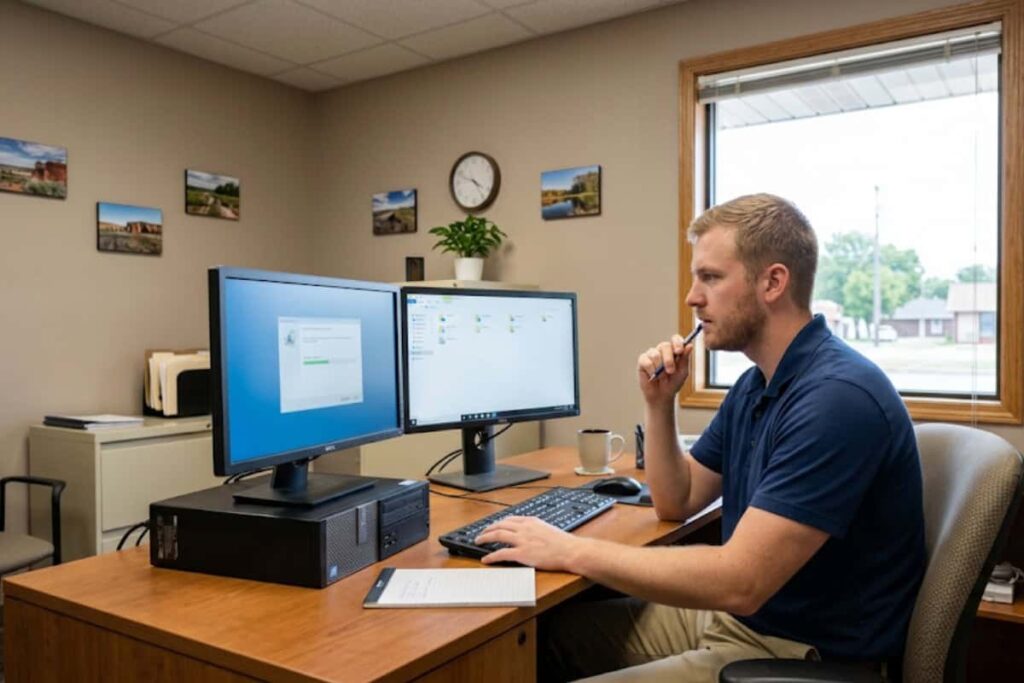
A Tulsa accounting firm gets hit with ransomware on a Monday morning, every workstation locked, client files inaccessible. The owner is not worried, because the backup software has shown a green checkmark every night for two years straight. IT starts the restore. Forty minutes in,…
What Causes Internet Outages at a Business?

Power problems, not cut cables or cyberattacks, are the leading cause of significant outages according to Uptime Institute’s most recent outage analysis report, with failures in UPS systems, transfer switches, and backup generators dominating the list. That single fact surprises most business owners asking what…
How Do I Know If My Backups Are Actually Working?

A green checkmark and a “backup completed successfully” email do not tell you whether your backup would actually restore your business if you needed it tonight. That is the uncomfortable answer to how you know if your backups are actually working: the software confirming a…
Switch vs Router: What’s the Difference?
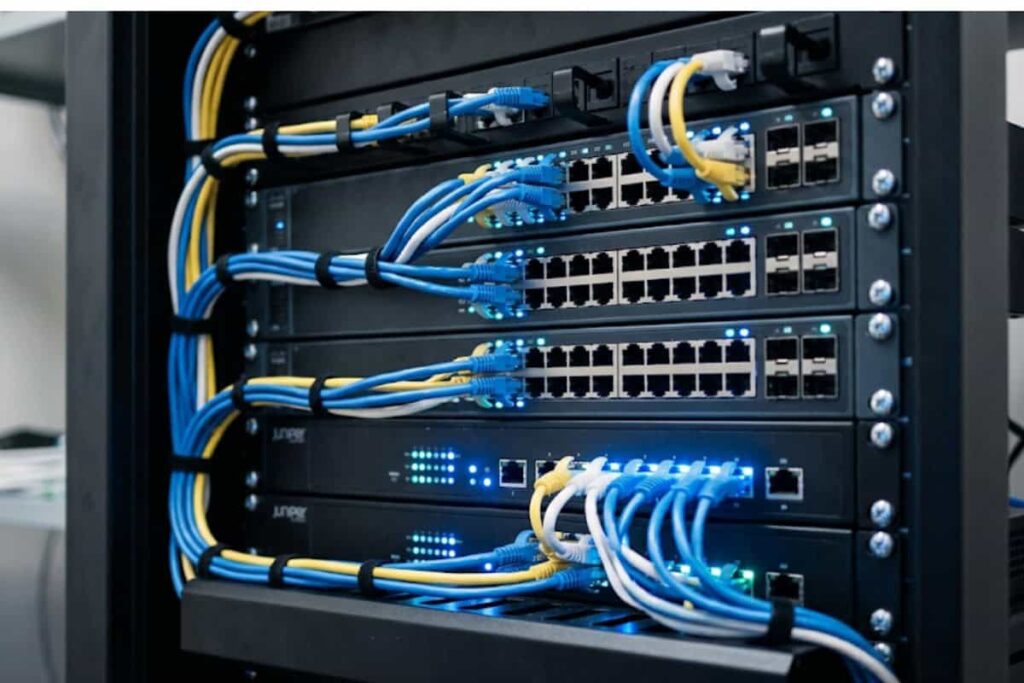
The difference between a switch and a router comes down to one core distinction: a switch connects devices together within a single network, while a router connects separate networks to each other and manages how your business reaches the internet. If your office network is…
What Is the Difference Between Backup and Disaster Recovery?

Most business owners assume backup and disaster recovery are two names for the same thing, and that assumption is exactly what leaves a company unable to reopen after a server room floods or a ransomware attack locks every workstation. The difference between backup and disaster…
What to Do When Your Business Gets Hacked

Oklahoma law requires any business that exposes a resident’s personal information in a data breach to notify the state Attorney General’s office without unreasonable delay, a deadline most Broken Arrow and Tulsa business owners only learn about after they’ve already been hacked. That legal clock…
How Secure Is Google Drive for Business Files?

In 2025, ransomware factored into 44 percent of data breaches investigated by Verizon, and a growing share of those incidents started with a compromised cloud storage account rather than a hacked server. That number matters to any Broken Arrow or Tulsa business owner asking how…
Why Do My Emails Keep Going to Spam?
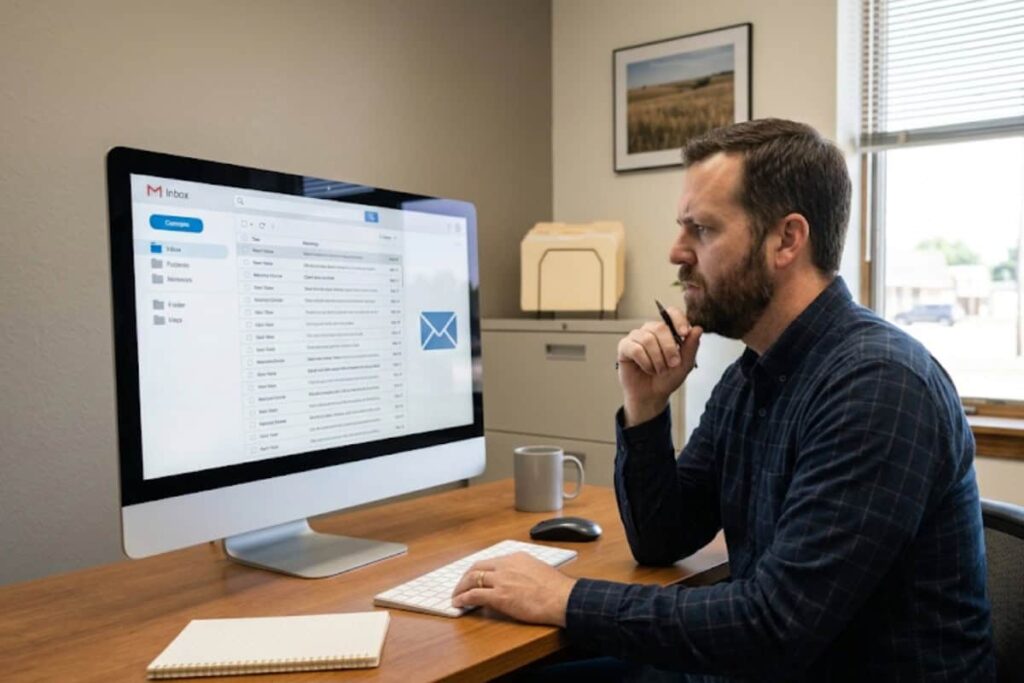
A common assumption is that switching from one email provider to another will fix a spam problem, and it almost never does. Why do your emails keep going to spam even after you’ve moved from a free webmail account to Office 365 or Google Workspace?…
Can’t Access Files After Ransomware? Here Is What to Do First

If you can’t access files after ransomware has locked your systems, the actions you take in the first hour shape everything that follows. The screen may show a ransom note, your documents may carry strange new extensions, and the instinct is to either pay immediately…
Boss Asking for Gift Cards Email? Here Is Why It Is Almost Always a Scam

A boss asking for gift cards email is one of the most common workplace scams in the country, and it almost never comes from your actual boss. The message usually arrives marked urgent, asks you to buy several gift cards for a client, a reward,…